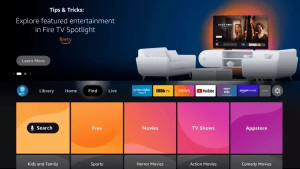
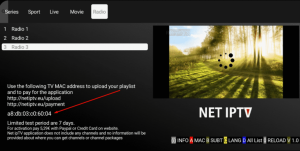
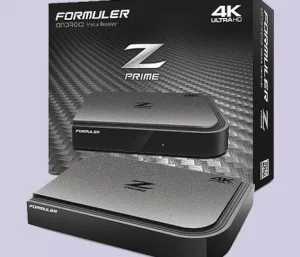
setup guide Homesetup VLC player Kodi Duplex IPTV IPTV Smart Purple Chromecast Smart IPTV Home IPTV iPlayTV (Apple TV) myIPTV Player GSE smart IPTV TiviMate iptv smarters net iptv amazon fire stick mag Formula Z Faqs frequently asked questions How do I set up IPTV on my device? Install a compatible IPTV app (like IPTV Smarters or TiviMate), enter your login or M3U details, and your channels will be ready. Which devices are supported? You can use IPTV on Smart TVs, Android/iOS phones, Firestick, Mag boxes, TV boxes, and even Windows/Mac computers. Do I need a VPN for IPTV? While not required, using a VPN helps protect your privacy and ensures smooth streaming if your ISP throttles IPTV traffic. What internet speed is required? At least 10 Mbps for HD and 25 Mbps or higher for 4K streaming. A stable connection matters more than high speed. What if my login or playlist doesn’t work? Double-check your details, make sure the link is copied correctly, and if issues continue, reach out to support. powerfull features streaming features Watch movies and shows whenever it suits you best. On-Demand Library Enjoy live TV from across the globe, anytime you want. Global Channels Stream top-rated channels in the best quality. Live TV Channels Access IPTV on your TV, phone, tablet, or laptop. Multi-Device Streaming Never miss a moment with matches streamed live. Live Sports Coverage Safe, fun, and educational content for all ages. Kids & Family Fun