*AirPlay availability depends on the app and content type.
LG webOS • Samsung Tizen • Android TV
Smart TV setup — living-room friendly
Install from your TV store
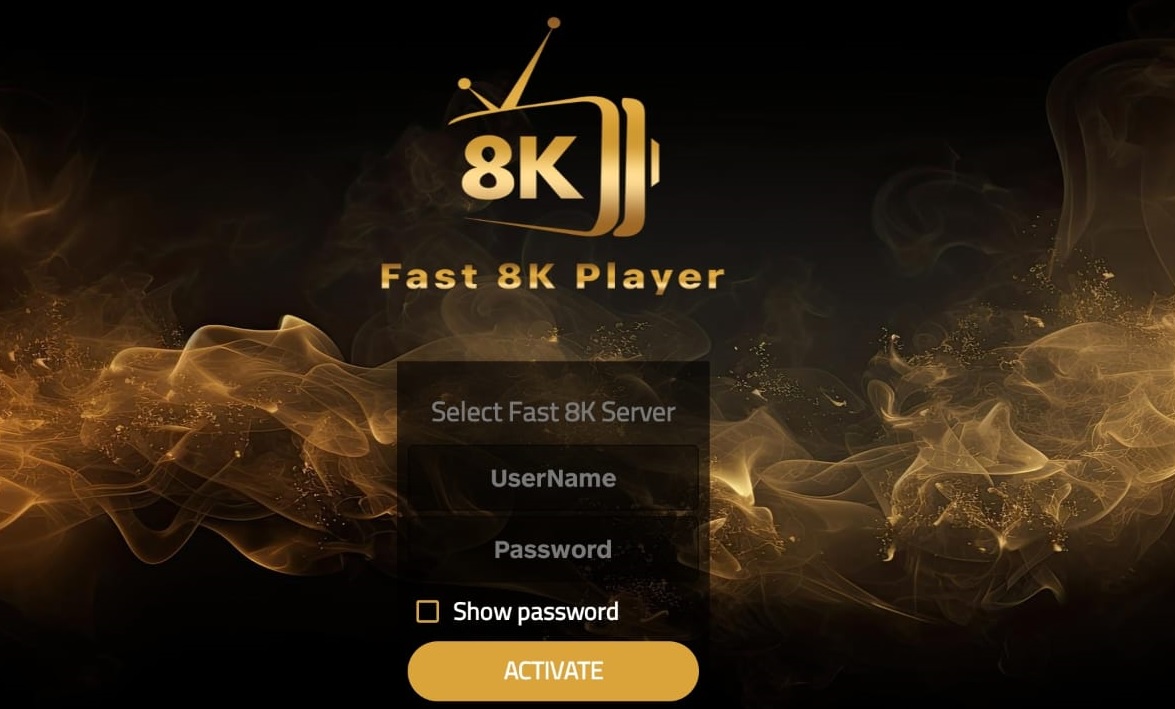
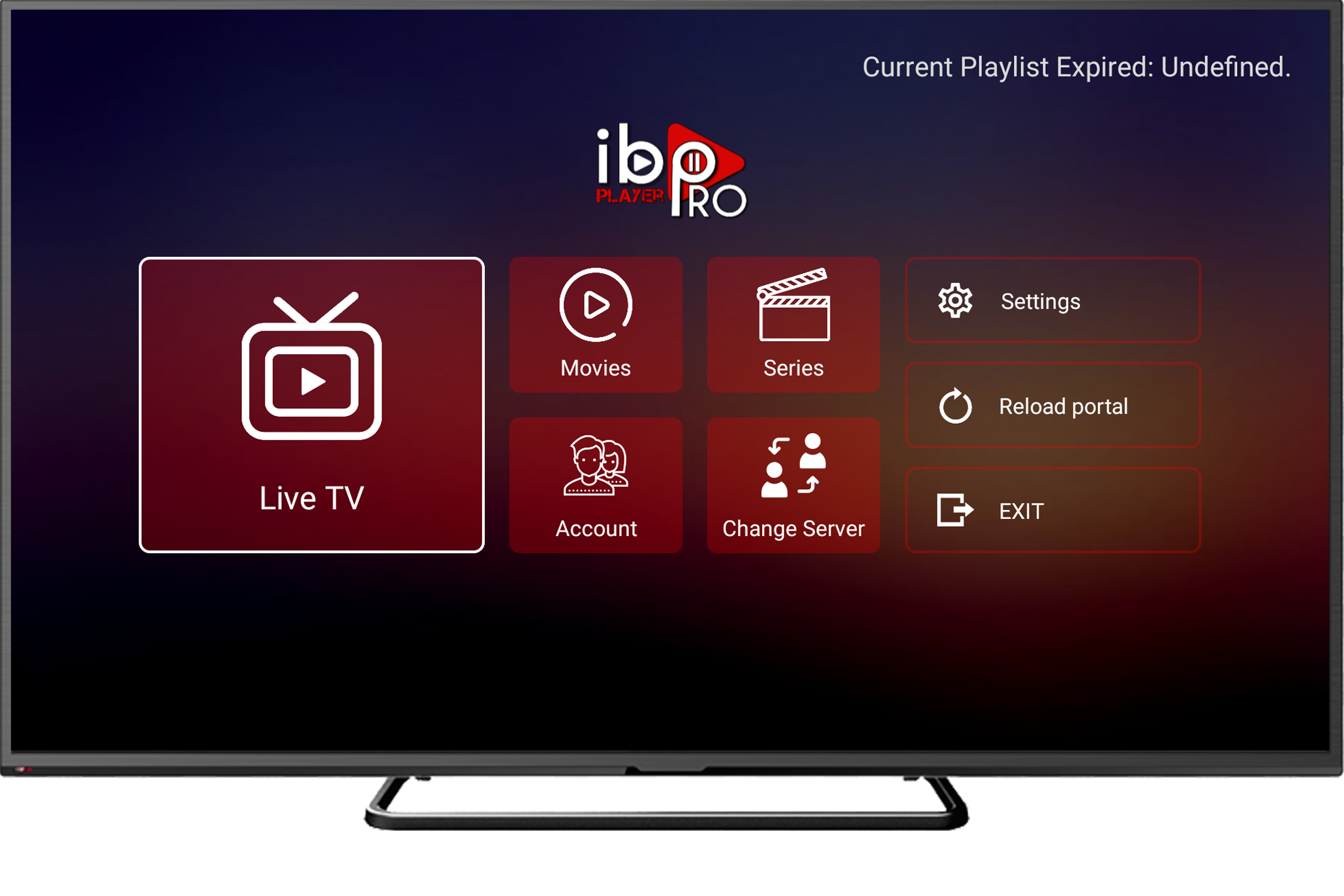
1.Open the TV’s app store (LG Content Store / Samsung Apps / Google Play on Android TV). 2. Search for IBO Player, OTT Navigator, or XCIPTV. 3. Install and open the app, then go to Activation / Login. 4. Enter the portal or playlist we send after activation (or scan a QR if the app shows one). 5. Restart the app to pull your channels and EPG.
Pro tips for smooth playback
Prefer Ethernet or strong 5 GHz Wi-Fi, especially for sports.
In player settings, test decoders (HW / HW+ / SW) and tweak buffer size.
Turn off aggressive energy-saving that throttles network while streaming.
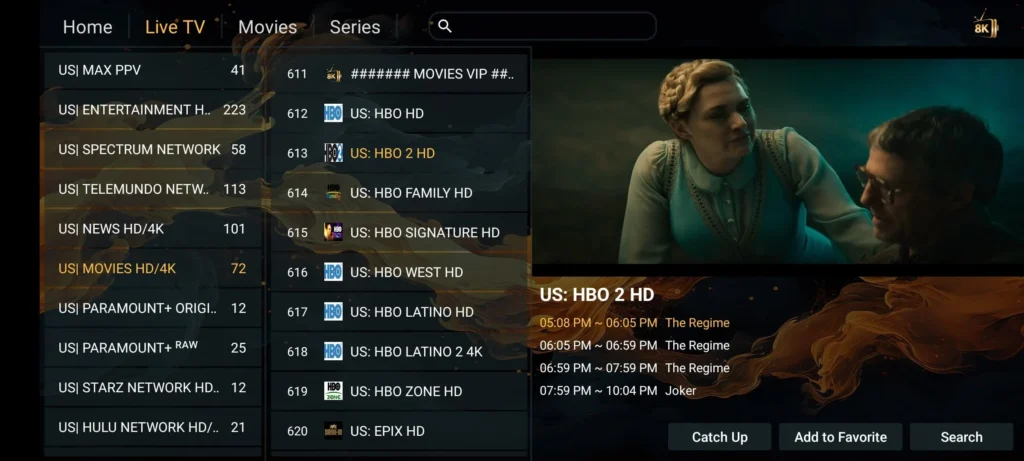
Group channels and mark favourites for faster zapping.